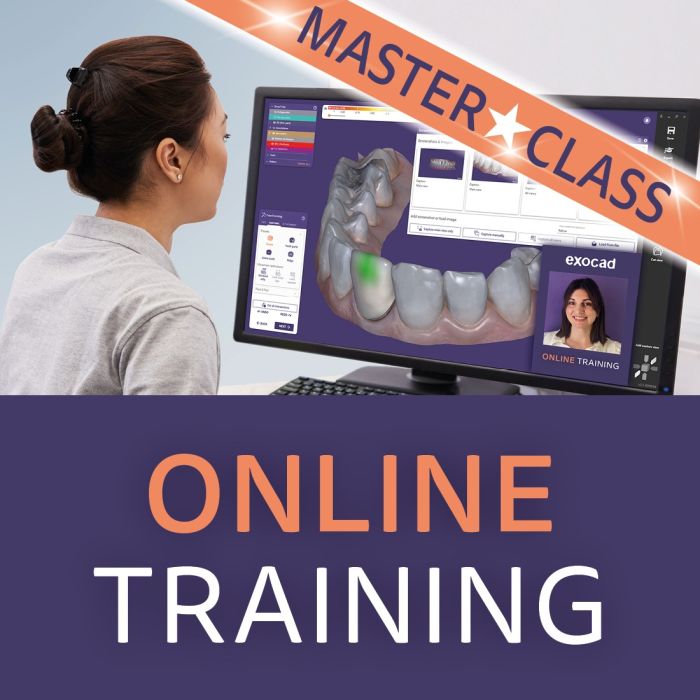
Stay ahead with the latest DentalCAD features.
This masterclass training will boost your skills, while upgrading your expertise to the latest DentalCAD 3.3 Chemnitz release feature highlights. Stay ahead with fresh updates and sharpen your skills to get even more out of your software. Discover features highlights, expert tools, and workflow improvements and maximize efficiency.
AI Design now available for multiple units*
Save time and clicks on up to three adjacent posterior crowns and posterior bridges with up to three elements
Implant Module gets a major upgrade
Better abutment proposals, auto-optimized for the respective tooth position
Easier editing and customization
Save and reuse custom abutment shape presets
3D preview for each selected implant component in library
Faster startup time when using large/complex libraries, thanks to new library caching mechanism
New split denture workflow, available in Bar Module
The new split denture workflow allows users to design both a bar and its suprastructure in one swift workflow
The software splits the design into two precisely fitting components, saving time and minimizing manual adjustments for All-On-X hybrids
Improved AI-based automation in bite splint design
Speed up your bite splint design thanks to AI Automation
Enhanced AI for smile design
Drive case acceptance with photorealistic AI smile previews with TruSmile™ Photo* and TruSmile™ Video* based on your customer’s smile design
Automatic alignment of the 3D jaw scan and the patient smile image
Automatic lip line detection
Instant Anatomic Morphing now in chain mode
Accelerate workflows for bridges and large tooth setups
Real-time, synchronized adaptation of occlusal morphology for multiple restorations
Further highlights of DentalCAD 3.3 Chemnitz include:
Symmetric tooth shape editing for esthetic design: Create symmetrical smiles efficiently
Ivoclar’s clinical process for digital dentures is now supported by DentalCAD, aiming to reduce the number of required patient visits
Integration with the DS Core Cloud Platform enables users to receive cases from Dentsply Sirona and other scanners
Find features faster with the new typeahead search bar
Artex Print&Click now available in the Model Creator Module lets customers mount printed models on Artex articulators without tools or plaster
The comprehensive mesh editing tool now supports triangle-based or clean cuts and facilitates gap bridging within the mesh
Inclusion of Inspira™ tooth libraries for esthetic restoration design
Support for the KaVo PROTARevo articulator, bringing the total number of supported articulators to 20
*Available in select markets
- Participation is limited to the clinic or laboratory employees who booked the training.
Duration: 1 hours.
Important note
By completing the purchase, you agree to the following training schedule. The training must be scheduled within 90 days of receiving your confirmation link (sent via email) and completed within 12 months.
If these timeframes are missed, the training will expire and any related refund eligibility will be forfeited.
For any inquiries, please reach out via our contact form—we’re happy to assist.